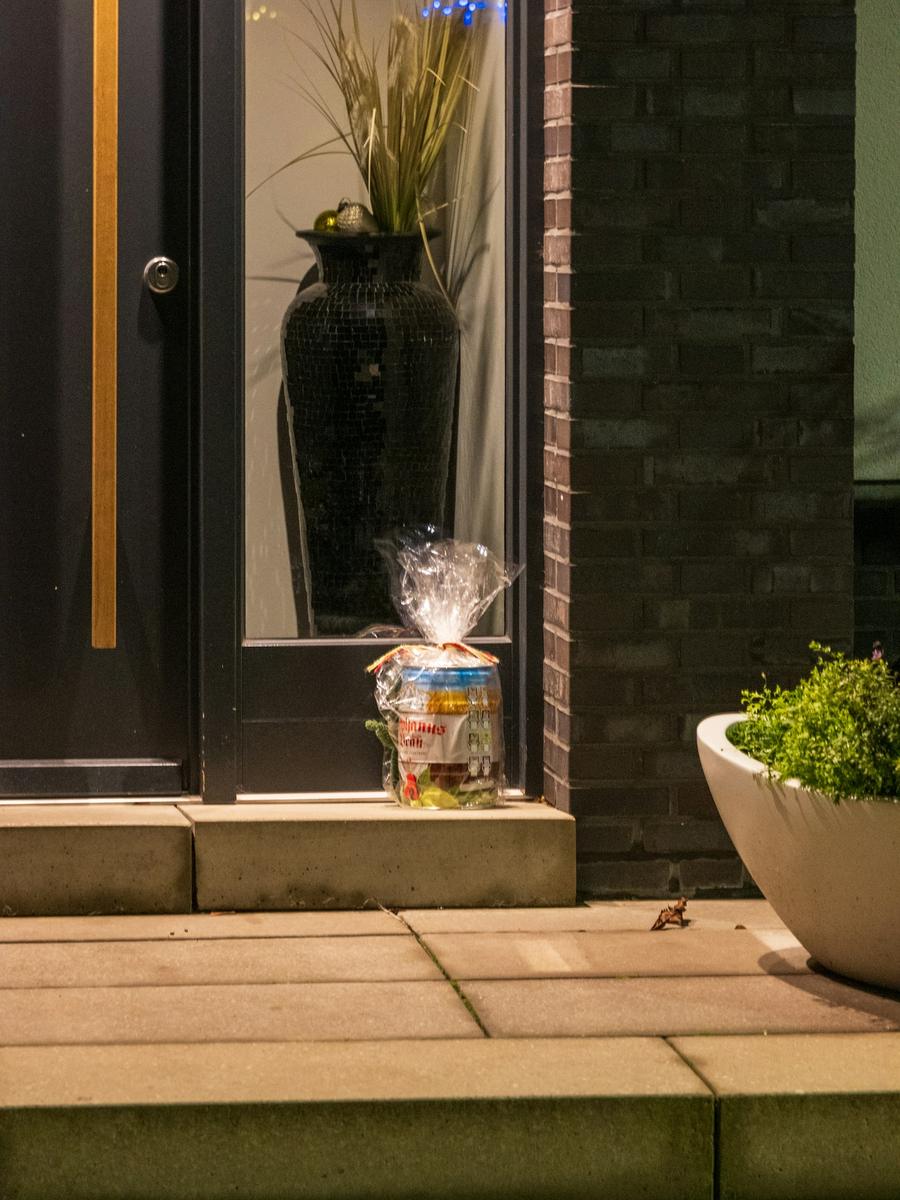

Ten years ago, proof of delivery was a scrawl on a handheld. Today it is more often a photograph: a box on a step, a bag by a door, a parcel wedged behind a planter, taken by a driver a second before the delivered scan. That photo is the single most useful piece of evidence on a stolen-parcel claim. Most stores never look at it, because it lives on the carrier’s site and nobody has time to go there.
- What each major carrier records at delivery, photo or otherwise
- What a delivery photo proves, and the two things it does not
- How to read one in thirty seconds
- Why the photo belongs on the tracking page and the claim, not in a support reply
What each carrier records
UPS captures a delivery photo on many residential stops, plus a release location (“front door”, “porch”, “garage”) or a signature where one was required. Access Point pickups record the shop.
FedEx takes picture proof of delivery on most residential Ground and Home Delivery stops, and a signature where required. Hold-at-location pickups record the location.
USPS takes no photo. Instead the scan records where the parcel went: “in/at mailbox”, “front door/porch”, “parcel locker”, “delivered to agent”. A mailbox or locker scan is strong evidence against theft, often stronger than a photo.
Amazon Shipping photographs nearly every stop.
OnTrac photographs residential deliveries.
Canada Post photographs safe-drop deliveries, and records community mailbox and pickup events otherwise.
DHL Express and Purolator capture a signature or a release photo depending on the service.
Royal Mail, Evri and DPD photograph most doorstep and safe-place deliveries and record neighbour handovers.
The photo proves that the parcel was at that spot at that moment. It does not prove the customer received it, and it does not prove the spot is the customer’s home.
What a photo proves, and what it does not
A delivery photo proves one thing: the parcel was at that place at that time. That is genuinely useful. It rules out “it never left the depot”. It shows whether the parcel was visible from the street or tucked away. It shows whether the doorstep looks like the customer’s.
It does not prove receipt. A parcel photographed on a porch at 2:14 can be gone by 2:30. And it does not prove the porch belongs to the customer; misdeliveries produce perfectly good photos of the wrong house.
Reading one in thirty seconds
- Is it the right door? Compare with earlier delivery photos for the same customer if there are any. Returning customers make this almost mechanical.
- Is the parcel visible and intact? A box in plain view on a busy street is a theft risk. A box behind a screen door is not.
- Does the location match the scan? “Front door” with a photo of a garage is a small red flag; it usually means a driver in a hurry, but it is worth noting.
- What time? A delivery at 11pm to a dark porch is a different risk from one at noon.
Putting it where it is useful
BuySure pulls the carrier’s proof onto the claim the moment the claim is filed. Nobody opens a carrier site, nobody pastes a link. The AI compares the photo’s location with the customer’s report and their address history, and that comparison becomes part of the risk score. A person reviewing the claim sees the photo, the scan detail and the score side by side.
The other place the photo belongs is on the store’s tracking page, in front of the customer, before they write to anyone. A customer who can see “delivered, front door, 2:14 pm” with a picture of their own porch usually goes and finds the parcel. The ones who do not are the ones with a real claim, and they arrive at the claim page already knowing what the store knows.
A worked example
A customer in Seattle files a stolen claim on a $118 order. The UPS photo shows a parcel on a covered porch with a distinctive blue door. The customer’s three previous delivered orders have photos of the same blue door. The claim was filed 26 hours after the scan. The AI scores it 14 and recommends a replacement, shipped signature required. Approved automatically, under the store’s $150 limit.
Same order, different photo: the parcel is on an open step facing a busy street, the address is new, and the claim was filed nine minutes after the scan. Score 61. It goes to a person with a suggestion to ask for a police report number. The person, not the AI, decides.
Questions
Can I require signature on delivery for high-value orders?
Yes, at the carrier level. BuySure attaches the signature image to the claim the same way it attaches a photo.
What if the photo shows the wrong house?
That is a carrier misdelivery, not a theft. The claim resolves as a replacement and a carrier trace usually recovers the original.
How long do carriers keep the photo?
Typically weeks to a few months. BuySure stores a copy on the claim so it outlives the carrier’s retention.
Does the customer see the delivery photo?
On the store’s branded tracking page, yes, where the carrier provides one. That is usually where a “missing” parcel gets found.