
Something wrong with your order? Here is what happens next.
If you added BuySure Checkout when you bought, the store can sort out a lost, damaged, stolen, missing or wrong item through its claim page. It takes a few minutes, and you can track it afterwards.


| Store | Northline Supply |
| Domain | northline.myshopify.com |
What can I do if my BuySure-protected order went wrong? File a claim on the store's claim page for a parcel stuck in transit, damaged, stolen after delivery, missing items, the wrong item, a quality issue or a return to sender. You need the order number, the email you used and a photo. The store resolves it with a refund, a replacement or store credit.
What can I claim for?
Stuck in transit
Tracking has stopped moving and the order has not arrived.
Damaged in transit
One or more items arrived damaged.
Items were stolen
Marked delivered and taken before the customer received it.
Missing items
The package arrived but one or more items were not in it.
Wrong item fulfilled
The order was fulfilled with an item the customer did not buy.
Quality issue
The item arrived but did not meet the expected standard.
Returned to sender
The carrier sent the order back instead of completing delivery.
The store decides
Each store sets its own claim window and the outcomes it offers. Check the store's claim page for its terms.
How do I file a claim?
Open the store's claim page
The link is in your order confirmation or on the store's help page.
Confirm your order
Enter the order number and the email you used. The page checks that protection was added and that you are inside the claim window.
Tell the store what happened
Pick the affected items, choose what went wrong, say whether you would prefer a refund, a replacement or store credit, and attach a photo.
Track it
You get a claim reference straight away. Use it to see the status and to message the store about the claim.
| Store | Northline Supply |
| Domain | northline.myshopify.com |
The claim page validates your order before it asks anything else.
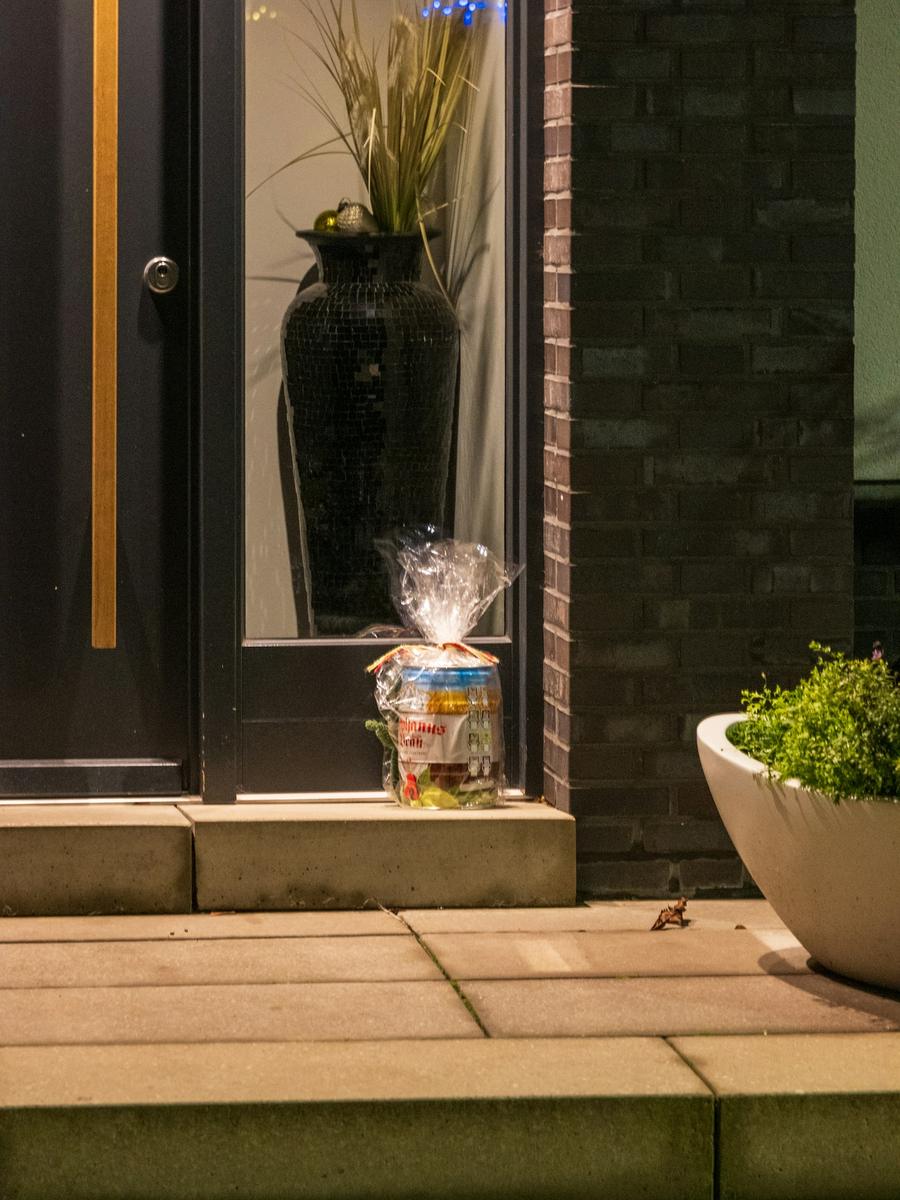
Stolen from the doorstep? That is a claim too.
If the carrier marks it delivered and it is not there, wait a short while, check with neighbours, then file. The store already has the delivery photo and the scan. You add what you know and a photo of where it should have been.
What can the store do to put it right?
Money back
Refunded to the payment method you used for the order.
A new one on its way
The store sends the item again as a new order, with tracking.
Store credit, sometimes with extra
Credit to spend in the store. Some stores add a bonus on top when you choose it.
Keep the packaging. For damage, a photo of the item and the box together is the most useful thing you can attach. For missing items, the contents next to the packing slip.
Claims go to the store, not to BuySure. The store you bought from reviews and resolves your claim. BuySure builds the tools it uses. We cannot open or decide a claim on the store's behalf.
Ready to file?
Find your store's claim page and have your order number and email to hand.